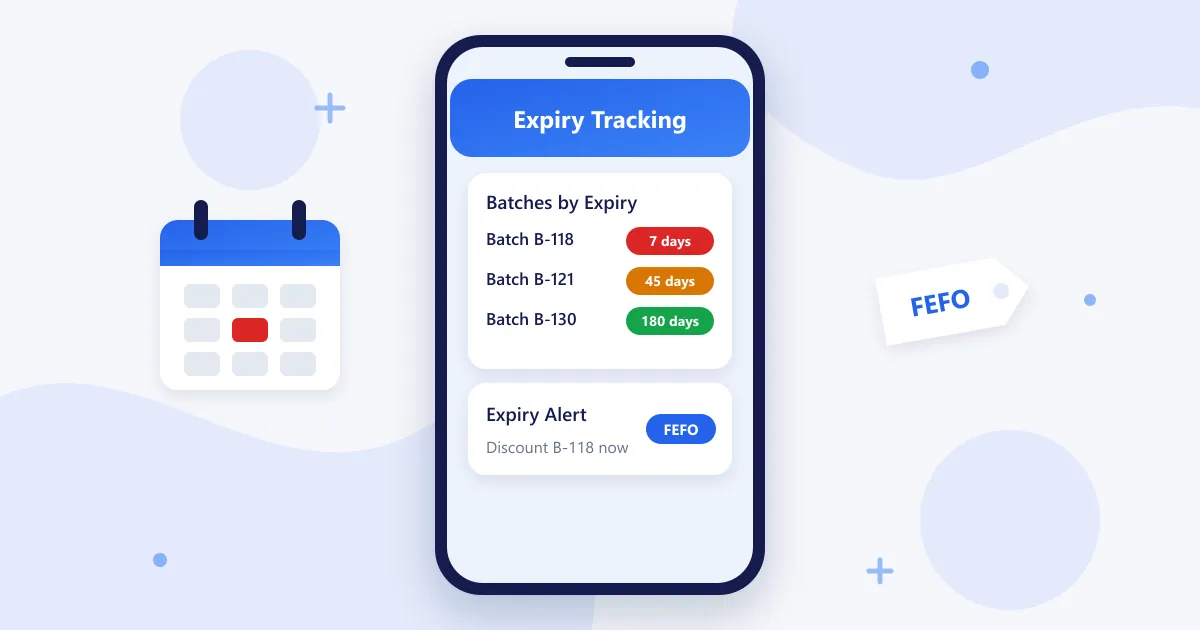
If you sell food, supplements, cosmetics or pet food, every expired item is margin thrown away — and selling one by mistake costs you a customer. The good news: expiry tracking is a process, not a guessing game. This guide walks through how to track expiry dates in a retail store step by step, and how a POS can do most of the work for you.
Step 1: Record Batch and Expiry at Receiving
Expiry tracking starts at the back door, not the shelf. When a delivery arrives, record the batch number and expiry date for each product line. If two deliveries of the same product have different dates, they are different batches and must be tracked separately.
Step 2: Sell First-Expiring First (FEFO)
Use FEFO — first expiry, first out. FEFO goes beyond FIFO (first in, first out): sell whichever batch expires soonest, even if it arrived later. Put the earliest-expiring stock at the front of the shelf, and use your POS’s batch view to see which batch should go first.
Step 3: Set Alerts Before It Is Too Late
Decide how much warning you need for each category, for example 60 days for supplements and 7 days for fresh food. Set expiry alerts at those thresholds so near-dated stock appears on a list automatically instead of being found during a shelf check.
Step 4: Act on Near-Dated Stock
When an alert fires you have three good options:
- Mark it down or bundle it with a popular item to sell it in time.
- Return or exchange it with the supplier, if your terms allow.
- Promote it to loyal customers with a WhatsApp or SMS offer.
Step 5: Record Waste and Review the Numbers
Anything that does expire should be recorded as wastage, not just thrown away. A monthly wastage report shows which products, suppliers or order quantities cause losses, so you can order smaller quantities or switch suppliers.
Manual vs POS-Based Expiry Tracking
| Task | Manual (spreadsheet / shelf checks) | With a POS like RetaPOS |
|---|---|---|
| Recording expiry dates | Typed separately, often skipped | Captured with the stock-in entry |
| Selling oldest batch first | Depends on memory and shelf checks | Batch and expiry visible for every product |
| Finding near-dated stock | Weekly shelf walk | Automatic expiry alerts |
| Clearing near-dated stock | Ad hoc discount stickers | Discounts, bundles and customer offers |
| Measuring waste | Rarely measured | Wastage and damage reports |
Which Stores Need Expiry Tracking Most?
- Supplement and vitamin stores — long shelf lives but high-value stock.
- Pet stores — pet food and treats.
- Cosmetics and beauty stores — skincare and makeup batches.
- Organic and health food stores — short shelf lives.
Expiry Tracking: Frequently Asked Questions
What is the easiest way to track expiry dates in a small shop?
Record the batch and expiry date when stock arrives, sell first-expiring stock first and let software alert you before items expire. A POS with batch and expiry tracking, such as RetaPOS, does this automatically from your smartphone.
What is the difference between FIFO and FEFO?
FIFO sells the oldest delivery first. FEFO sells the batch that expires soonest first, even if it arrived later. FEFO is the right method for anything with an expiry date.
Does RetaPOS track batch and expiry dates?
Yes. RetaPOS tracks batch, expiry and serial numbers, sends expiry alerts and records wastage, for US$399/year with unlimited users.
Bottom Line
Tracking expiry dates comes down to five habits: record at receiving, sell FEFO, alert early, act on near-dated stock and measure waste. A POS turns those habits into an automatic routine. See all RetaPOS inventory features.