Small retail stores — boutiques, optical shops, jewelry stores, bakeries, cosmetics outlets — typically manage between 50 and 500 unique products. This is a manageable inventory size, but without the right system, stock discrepancies, over-ordering, and running out of best-sellers become daily frustrations.
This guide covers a practical inventory management approach for small retail stores with under 500 SKUs — using a mobile POS system to automate the work that most small retailers currently do manually.
The Most Common Inventory Problems in Small Retail Stores
- Stock runs out without warning: A fast-selling product sells out mid-day and you only find out when a customer asks for it
- Over-ordering slow movers: Money is tied up in stock that sits on the shelf for months
- Expiry losses: Food, cosmetics, and pharma products expire before they're sold
- Manual count errors: Physical stock counts done manually are time-consuming and inaccurate
- No purchase history: You can't remember which supplier gave you the best price last quarter
- Ghost stock: The system shows 5 units in stock but the shelf is empty — a phantom caused by unrecorded sales, damage, or theft
Step 1 — Assign Every Product a Unique SKU and Barcode
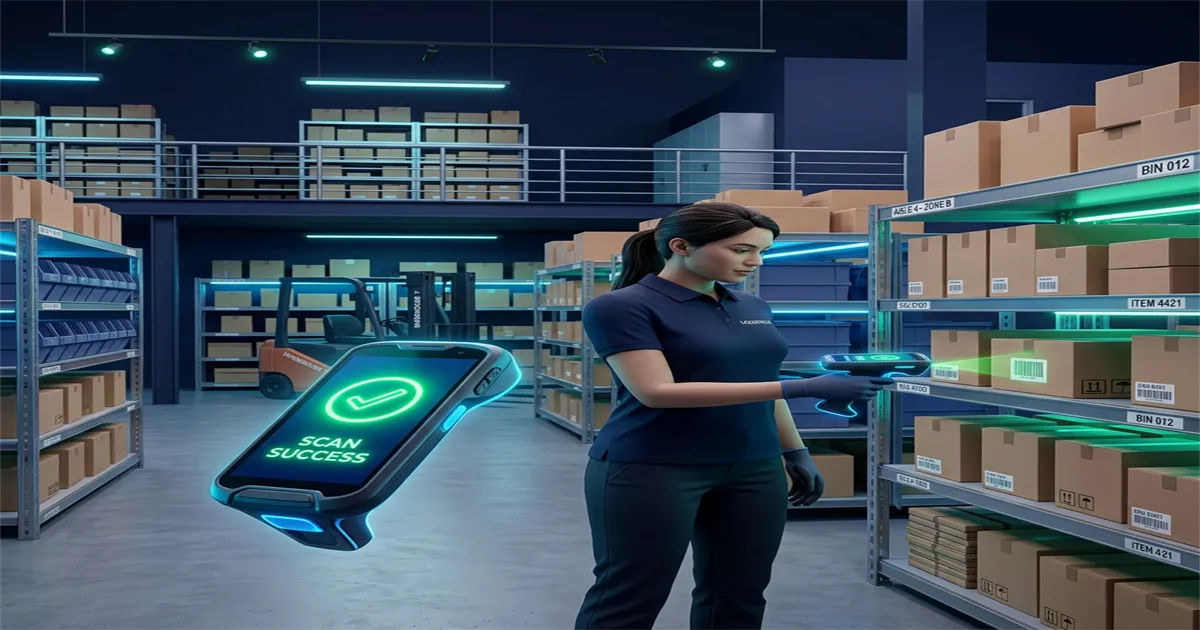
Every product in your store should have a unique SKU (Stock Keeping Unit) identifier. For products that don't come with a manufacturer barcode, generate your own barcode and print a label. A mobile POS with built-in barcode label printing makes this straightforward.
Product attributes to record per SKU:
- Product name, brand, category
- Cost price (what you paid the supplier)
- Selling price
- GST/VAT rate applicable
- Variants (size, colour, weight, flavour — where applicable)
- Reorder point (minimum stock level that triggers a purchase order)
- Supplier
Step 2 — Set Reorder Points for Every SKU
A reorder point is the stock level at which you need to place a new order to avoid running out. Calculate it as: average daily sales × lead time in days + safety stock.
Example: If you sell 3 units of a product per day and your supplier takes 5 days to deliver, your reorder point is 3 × 5 + 5 (safety stock) = 20 units. When stock drops to 20, the system should alert you to reorder.
Your POS should send low-stock alerts automatically — not require you to check stock levels manually every morning.
Step 3 — Record Every Sale Through the POS
Stock accuracy depends entirely on every sale being recorded through the POS. Every time an item is billed, the system should deduct it from inventory in real time. This requires discipline — no "offline" sales recorded on paper and entered later.
A mobile POS on a smartphone makes this easier because staff can bill from anywhere in the store, reducing the temptation to skip billing for small items.
Step 4 — Record Every Purchase Through the POS
When a new delivery arrives from your supplier, record it in the POS as a Goods Received Note (GRN). This adds the received quantities to your stock and creates a purchase record against the supplier. A POS with purchase order management lets you compare what you ordered vs. what was delivered — catching short shipments before you pay the invoice.
Step 5 — Run a Monthly Physical Stock Count
Even with a good POS, small discrepancies accumulate over time — damaged goods, free samples given to customers, theft, or data entry errors. A monthly stock count compares physical count against system count and lets you investigate significant differences.
With under 500 SKUs, a full physical count should take 2–3 hours. A POS that shows expected stock levels as you count makes the process significantly faster than manual spreadsheets.
Step 6 — Use Batch Tracking for Expiry-Sensitive Products
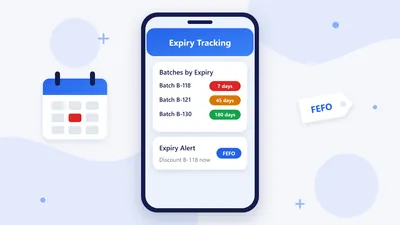
If your store sells food, cosmetics, supplements, or any product with an expiry date, batch tracking is essential. Each purchase delivery is recorded as a batch with a manufacture date and expiry date. The POS should alert you when a batch is approaching expiry so you can discount it before it becomes a loss.
RetaPOS Inventory Management for Small Stores
RetaPOS is designed specifically for stores with under 500 SKUs:
- Real-time stock deduction at every sale — no manual updates needed
- Low-stock alerts — configurable per product, sent to your smartphone
- Barcode generation and label printing for any product
- Purchase order management — create, send, and track orders to suppliers
- Goods received note (GRN) — match deliveries to purchase orders
- Batch and expiry date tracking for food, cosmetics, and pharma products
- Monthly stock audit tool — compare physical count to system count
- Dead stock report — identify products not sold in the last 30/60/90 days
- Supplier-wise purchase history and cost tracking
- All of this from your Android or iOS smartphone — ₹6,000/year (India) or US$399/year (International)
Bottom Line
Inventory management for a store with under 500 SKUs doesn't require complex ERP software. A well-configured mobile POS with real-time stock tracking, low-stock alerts, batch tracking, and purchase order management is all you need. RetaPOS provides all of this — designed specifically for small retail stores.
Book a free demo and see your inventory set up in 30 minutes →